Overview
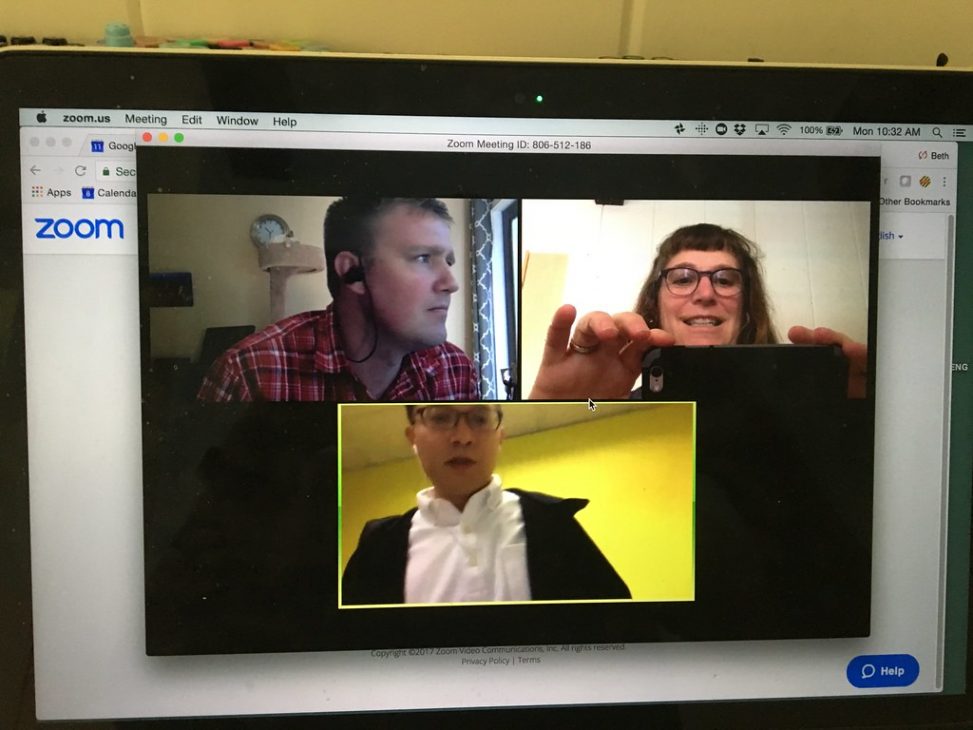
Once per week this semester, you will meet with your conversation group on WebEx to discuss the course material in more depth. The purpose of these conversations is to build relationships that will enable you to enrich your understanding of the material by exploring your own views and the views of your classmates. You will be responsible for organizing yourselves, running your discussions, and periodically assessing your fellow group members’ contributions to the group’s learning.
- The WebEx tool can be found at: https://wake.webex.com
- To get credit, one person in your group will record your meeting and send the recording to me, along with a short reflection on how the conversation went and a summary of key points and questions that were raised.
Roles
Each person in the group should adopt at least one of the following roles. (For groups of three, one person will have to do double-duty). These roles should be changed periodically over the course of the semester.
- Coordinator/ambassador: become familiar with the WebEx platform; use your “room” to host the meetings; make sure everyone gets to meetings (texting and calling any stragglers if need be) and deal with any technical difficulties; record the meeting and send the recordings to Prof. Gallegos, along with a short reflection on how the conversation went and a summary of key points and questions that were raised.
- Facilitator: lead discussion, propose topics, draw people out, initiate and conclude conversations at the right time.
- Text Specialist: have a strong grasp of the relevant texts before the meeting; bring passages to discuss; be ready and able to answer questions about the texts.
- Mood Manager: monitor mood of the group; intervene when necessary, both during discussions and afterward; demonstrate care for teammates.
Meeting Protocol
I suggest you use the following protocol to organize your meetings, especially when first starting out.
- Coordinator: Make sure your WebEx “room” is ready to go, show up a few minutes early, call and text people who are late, etc.
- Facilitator: Call the meeting to order, remind the coordinator to start recording.
- Mood manager: Do a mood check—ask each person to share their current mood and one current “headline” from their life.
- Coordinator: Deal with any relevant administrative business.
- Facilitator: Short introduction to the topic and question for the day.
- Text specialist: Review one or two key concepts and/or passages from the text.
- Facilitator: Lead an exploratory conversation, encouraging everyone to dig deep into each other’s views and their reasons for holding their view.
- Mood manager: If the conversation becomes slow or tense, intervene right away. State what you are noticing, ask questions to clarify the source of the trouble, and invite people to make requests and offers in order to address their concerns.
- Text specialist: Whenever it might help, return to the text to read passages that might shed light on the topic at hand.
- Mood manager: Do a final mood check.
- Coordinator: Final reminders.
- Facilitator: Close the meeting.
- Coordinator: Send the recording to the instructor along with a short reflection on how it went and a summary of key points and questions that were raised.
Recording and emailing the meeting (for facilitators)
Remember to start recording at the beginning of the meeting. Once you stop recording and end the meeting, you may be prompted to choose to save the recording either to the cloud or to your device; I recommend saving it to the cloud. It will take some time—anywhere from a few minutes to 24 hours—for the recording to be processed by WebEx. Once it is processed, it will show up in the following location:
- If you are using the “Classic View,” your recordings will be in the “My Recorded Meetings” tab.
- If you are using the “Modern View,” your recordings will be in the “Recordings” tab.
Once your recording is processed and appears in that space, please select the option of sharing the recording via email. Send it to my email (gallegft@wfu.edu), and make sure to write a brief summary of the meeting in the box labeled “Your Message (optional).” The summary should include the following points:
- The mood of the group at the beginning of the call.
- Whether anyone was absent or is having issues that I might want to be aware of.
- What you talked about, and some of the key points and questions that were raised.
- The mood of the group at the end of the call.
- Any questions, concerns, suggestions, or other things you’d like to communicate to me.
→ Remember that your group will get credit for meeting only when I receive the recording and summary.
If you have any issues navigating the technology, check out the WebEx help forum, visit the Bridge in ZSR, email me, or reach out to your classmates for help.